VibeField - procedural object spawner
A downloadable tool
What is VibeField?
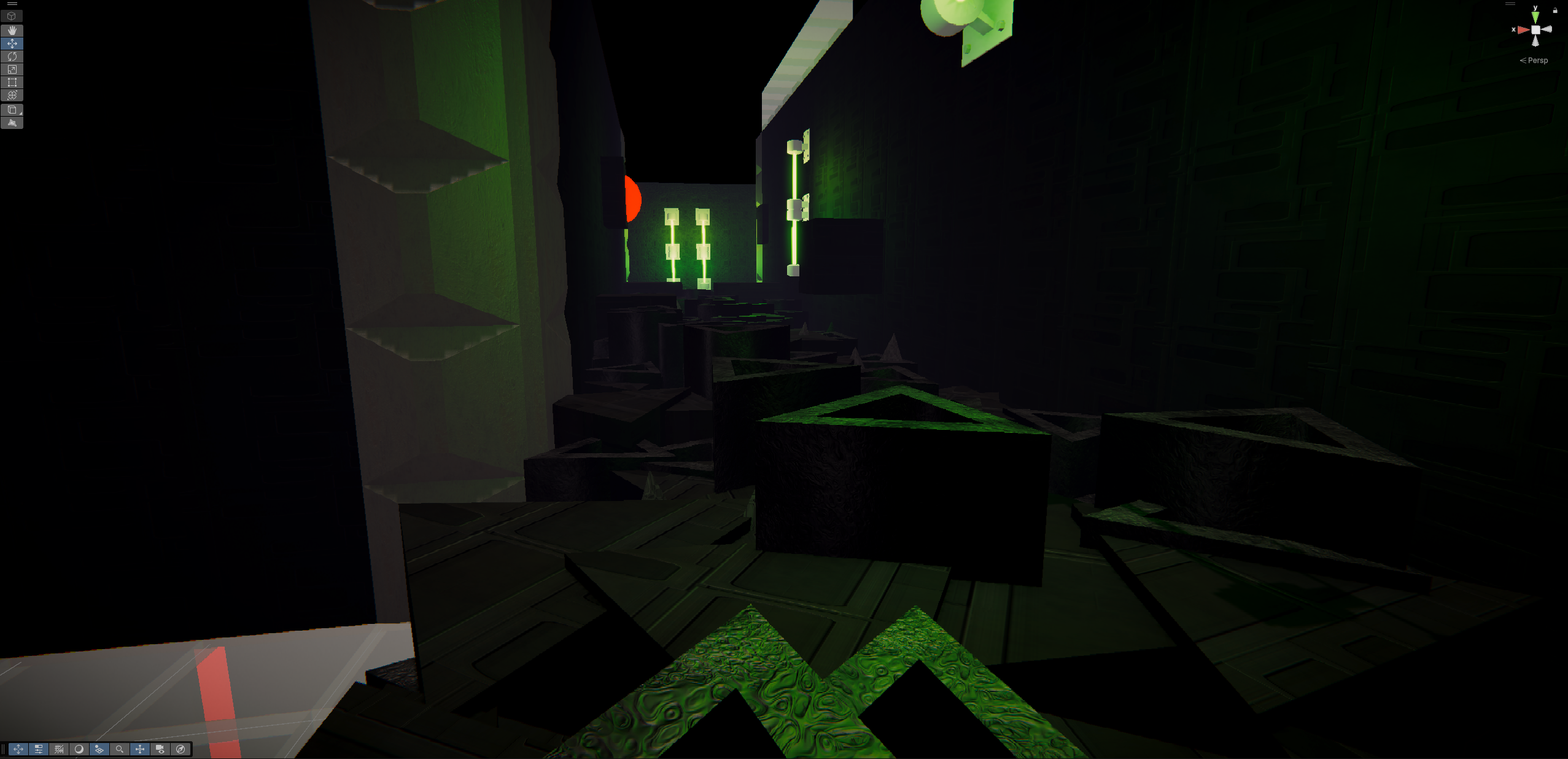
VibeField is a drop-in Unity tool that turns an empty scene into a living, moving environment.
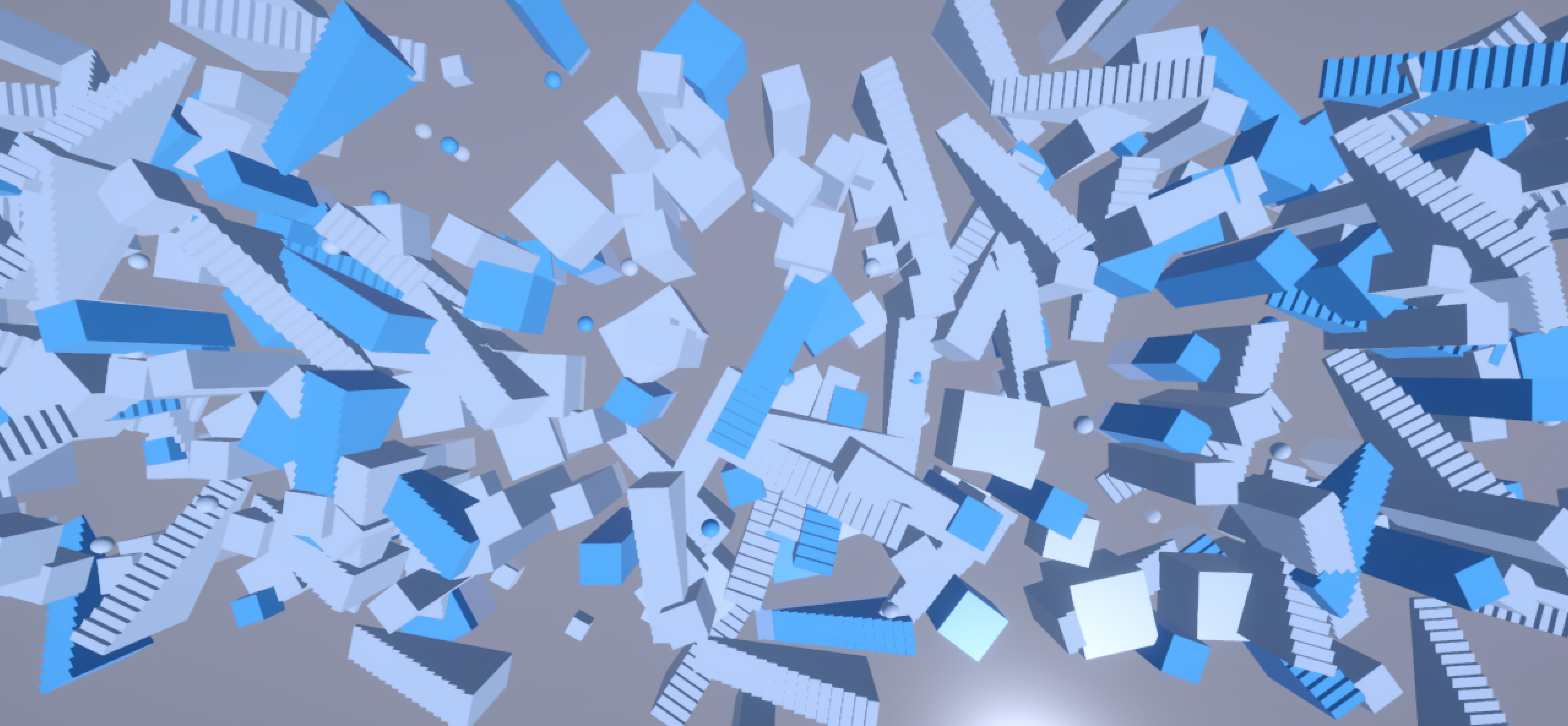
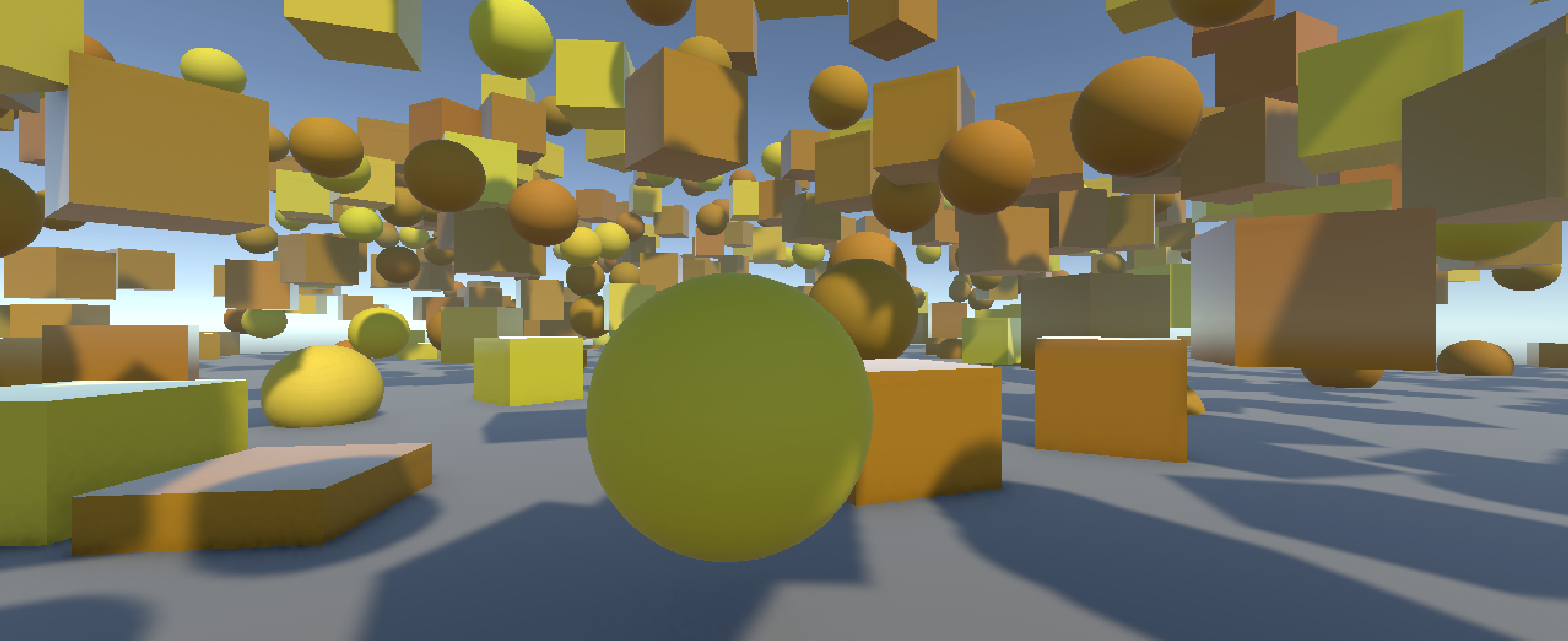
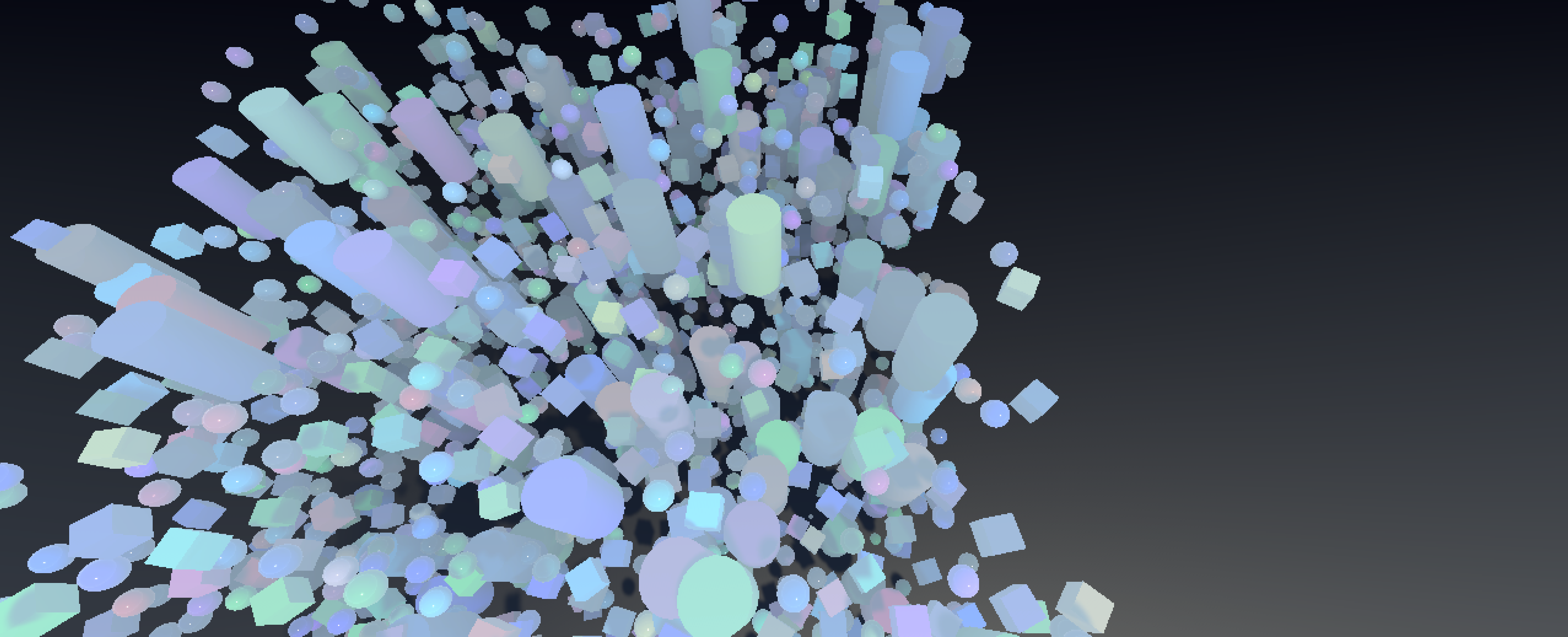
Pick a mood, hit Generate, and it spawns a whole field of objects with colors, motion, fog and ambience already dialed in.
Who it’s for
– Level designers and artists who don’t want to hand-place 400 props.
– Solo devs who want “good enough” worlds fast.
– Anyone who likes experimenting with vibes and layouts instead of fiddling with boilerplate code.
What it does
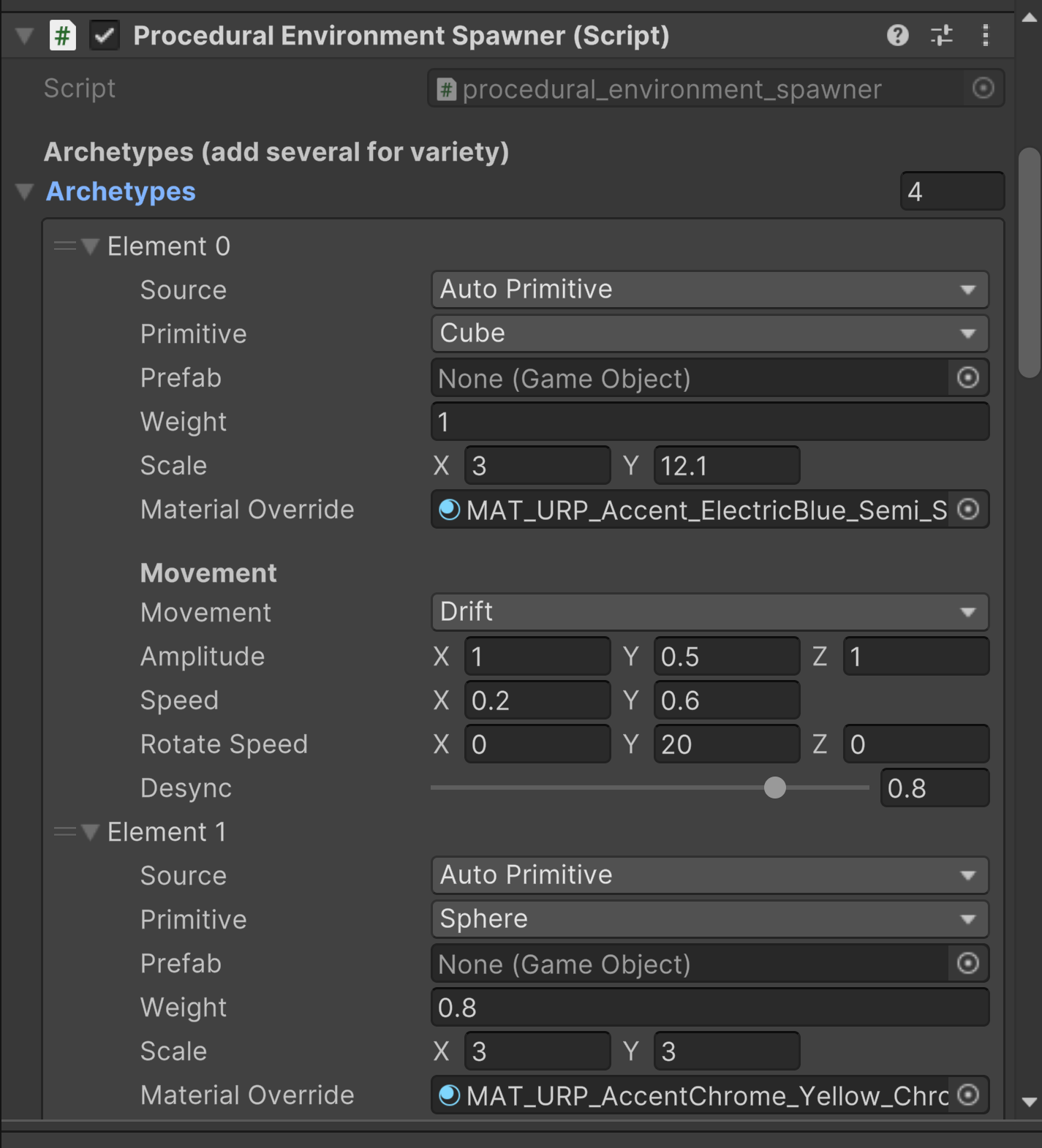
– Spawns fields of objects using multiple layouts: scatter, lanes, strata, flow and rings.
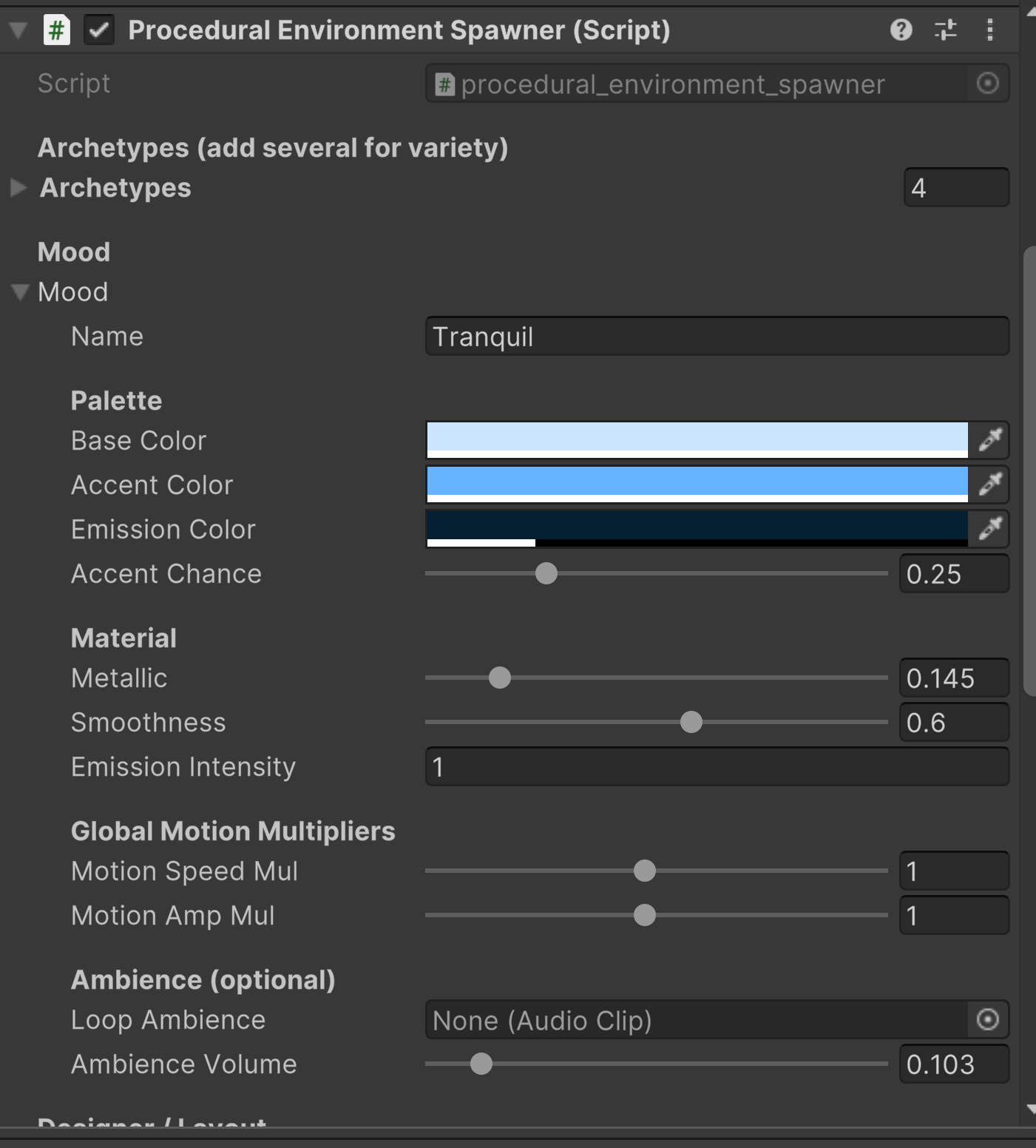
– Mood-driven looks: base/accent colors, emission, fog, ambience and motion all in one place.
– Movement that behaves: objects drift, bob, orbit and sway without clipping through the ground.
– Optional collision-aware motion so moving props don’t just ghost through your scene.
– One Dynamics slider to globally boost or calm all motion – easy for designers to dial in “how alive” a scene feels.
– Preset moods (Calm Blue, Neon City, Toxic Swamp, etc.) and layout presets to get usable results in seconds.
Why it’s useful
– Great for prototypes, liminal spaces, ambient scenes and stylised environments.
– Fast way to block out levels or create background motion behind your main gameplay.
– Undo-friendly, with a reliable clear system – it only deletes what it spawned.
How to use it (short version)
-
Drop the
VibeFieldprefab / script into your scene. -
Set the bounds, pick a layout preset, pick a mood preset.
-
Press Generate.
-
Tweak density, dynamics and mood sliders until the scene feels right.
Requirements
– Unity 2020+ (tested on recent LTS versions).
– Works in 3D projects, URP/HDRP/Standard (you may want your own materials for final art).
VibeField is meant to be friendly and tweakable – something you can drop into a project, play with for 5 minutes, and walk away with a scene that already feels alive.
Download
Click download now to get access to the following files:




Leave a comment
Log in with itch.io to leave a comment.